Everything served straight from your own network — and it installs on your phone like a native app.
Live energy flows
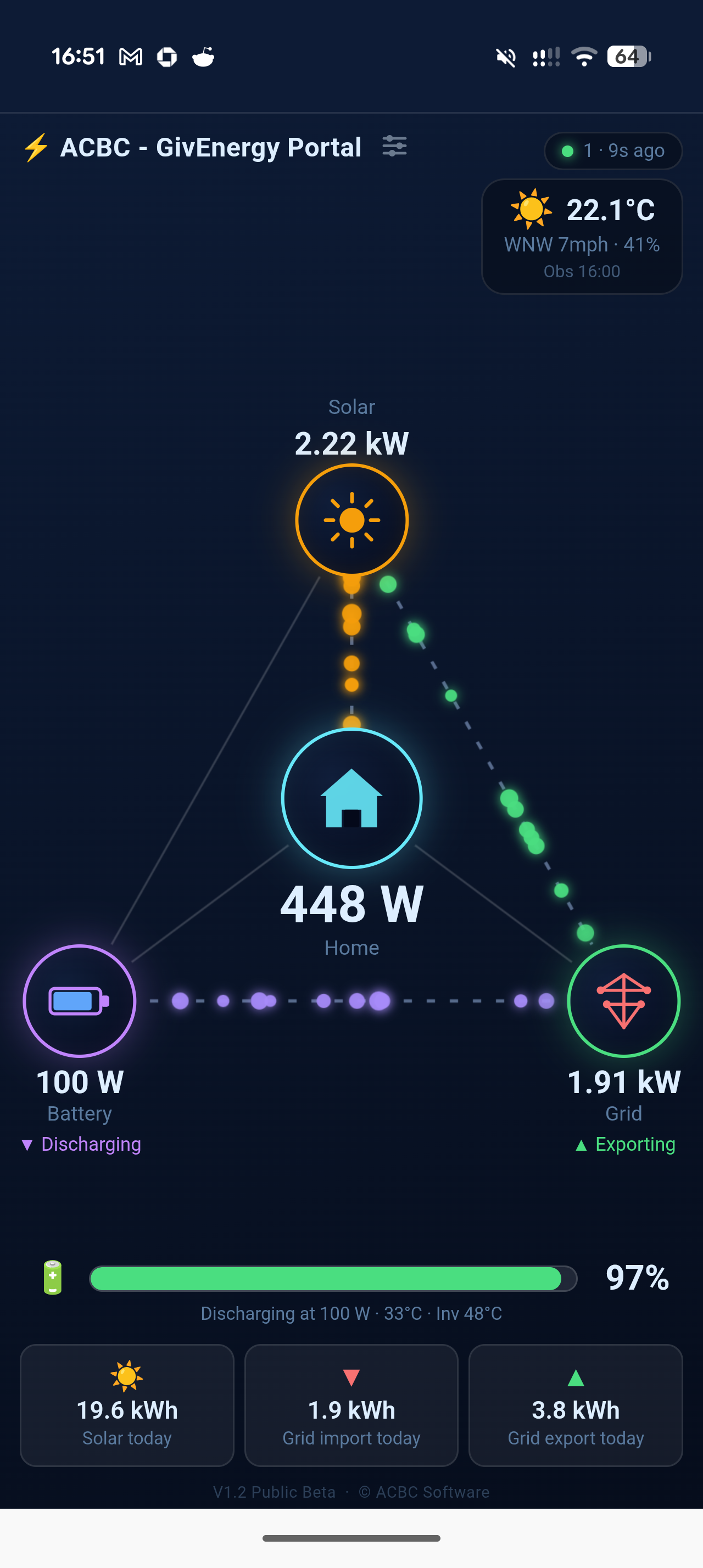
Animated particle flows show power moving between solar, battery, home and grid in real time.
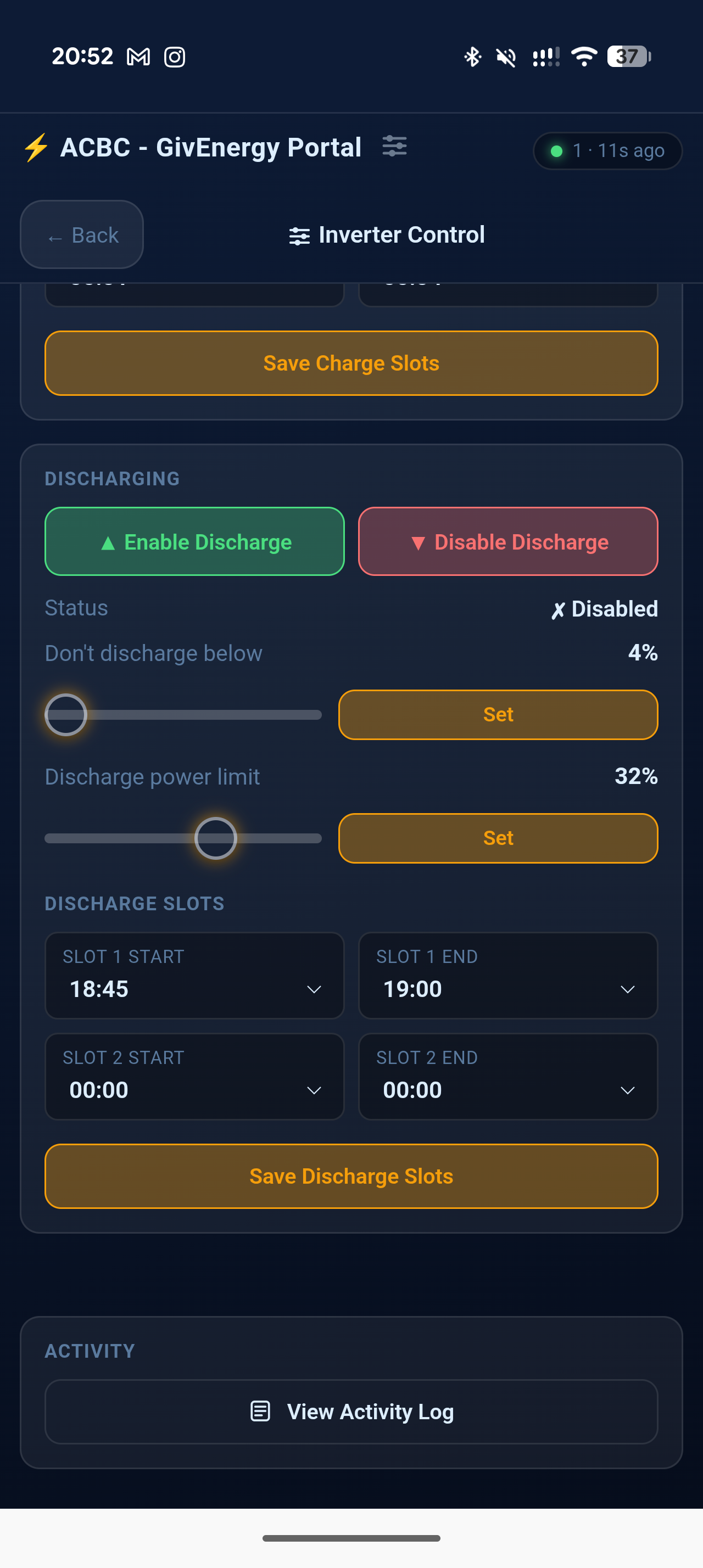
Inverter control NEW
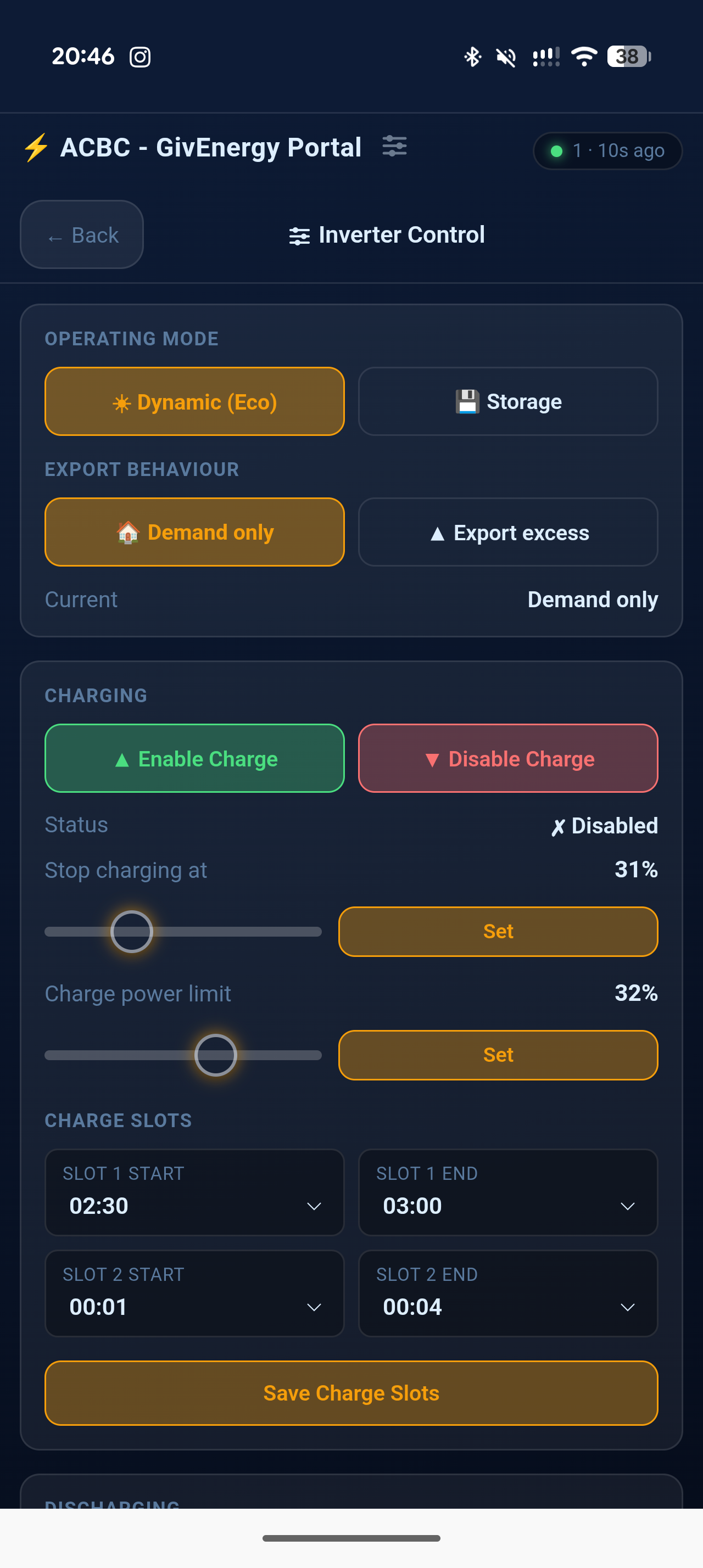
Set operating modes, enable/disable charging, schedule charge & discharge slots, set SOC targets and power limits — all from the app.
History charts
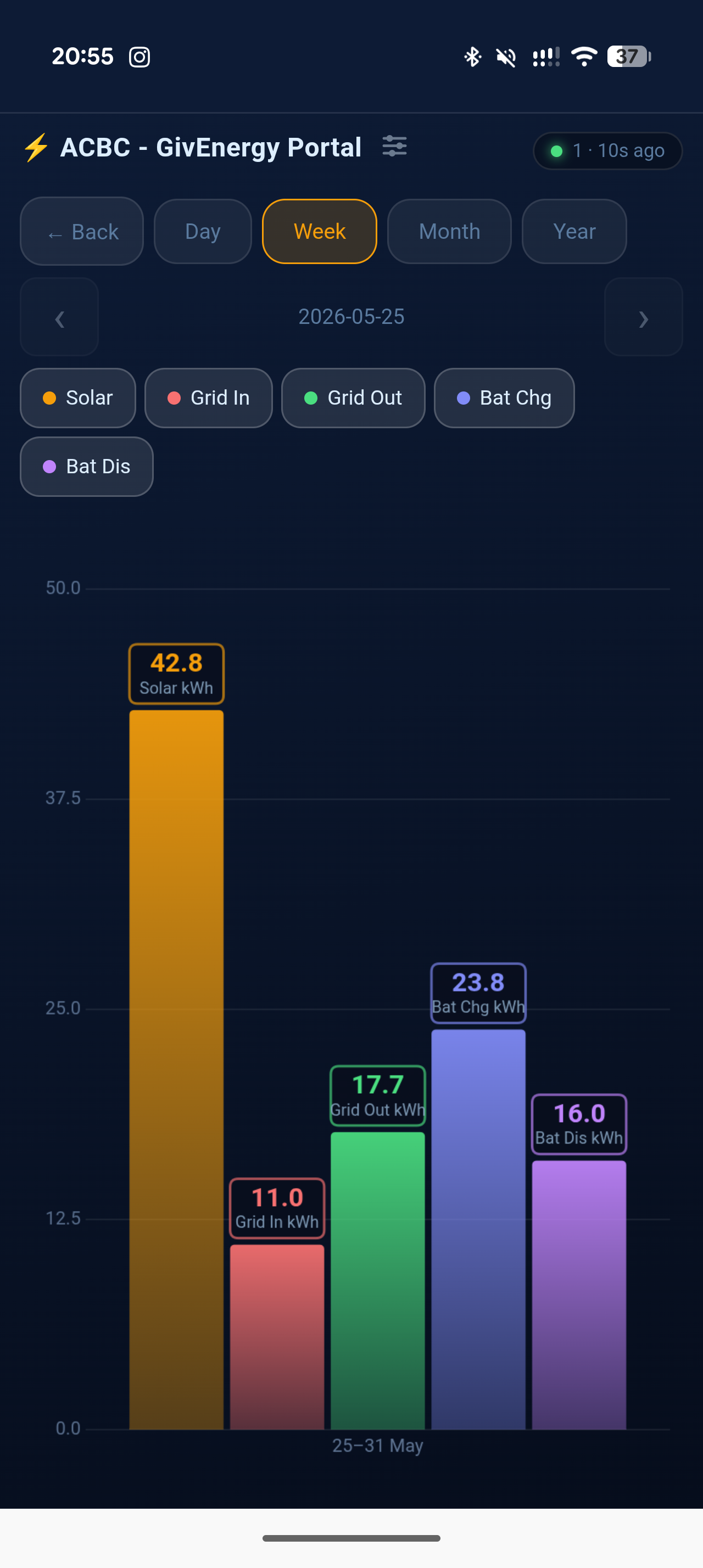
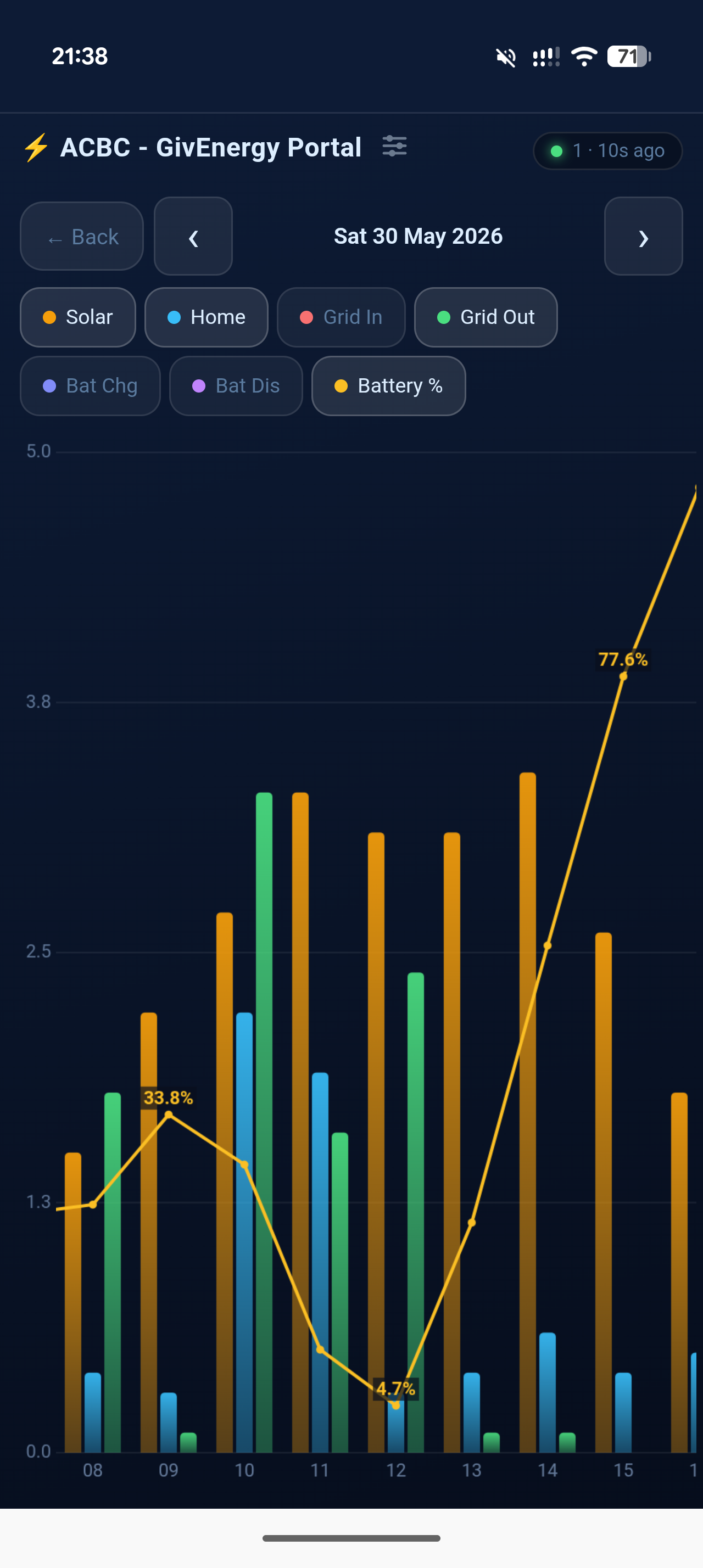
Daily, weekly, monthly and yearly bar charts for solar, grid import/export and battery.
Activity log NEW
Every control command and inverter status change is logged with a timestamp — a local audit trail the cloud doesn't give you.
Progressive Web App
Add to your phone's home screen and it opens full-screen, just like a native app. iPhone and Android.
Weather widget
Optional live Met Office observations — temperature, wind and humidity alongside your energy data.
Password protected
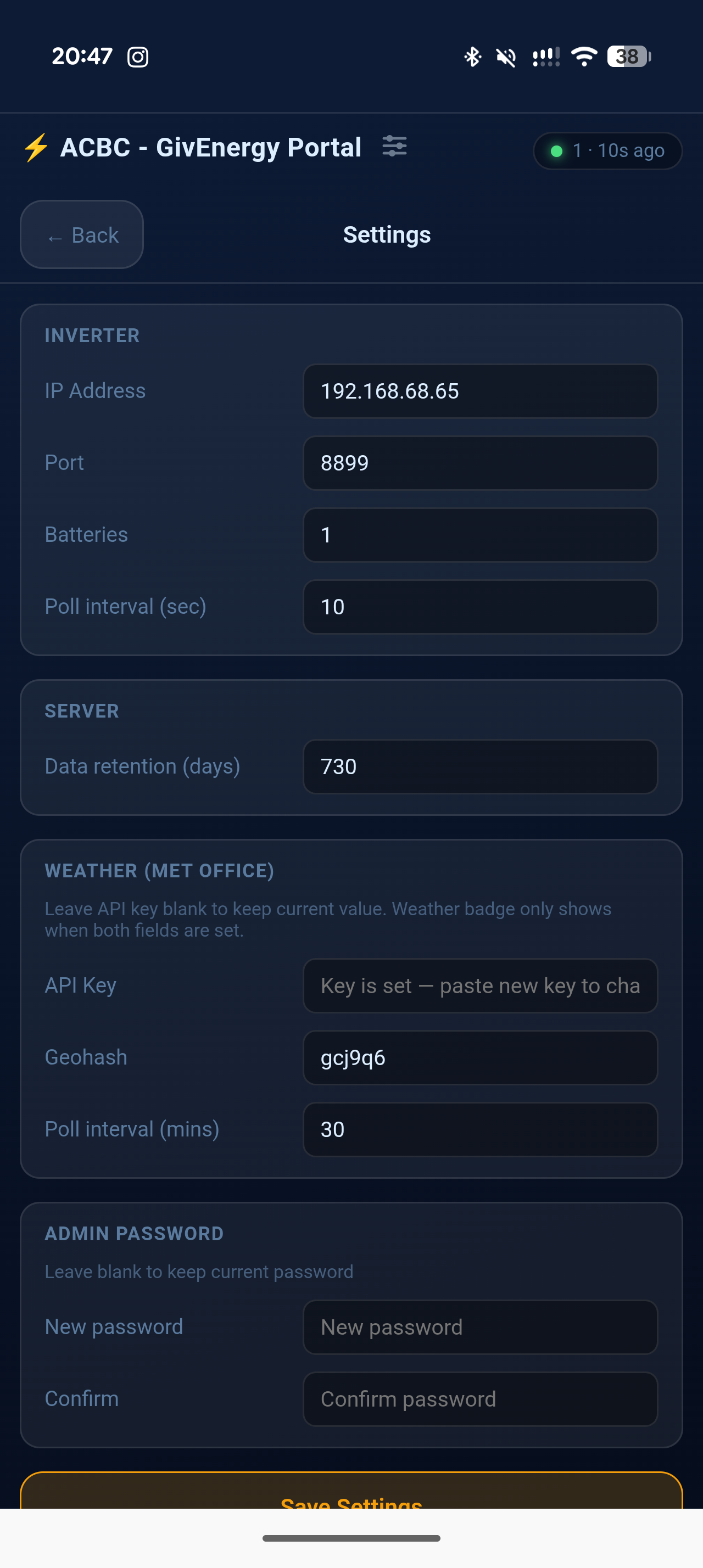
Settings and control are guarded by an admin password you set — safe to expose on your network.
Fully local
Connects directly to your inverter via Modbus TCP. Nothing leaves your network unless you choose to expose it.
GivEnergy inverter
Works with Gen2 and Gen3 / HV hybrid inverters on your local network — the dashboard detects how yours communicates automatically.
A computer on the same network
Windows 10/11, a Raspberry Pi, or any Linux machine that can reach the inverter. Runs happily on a Pi Zero 2W.
Python 3.9+
The Windows installer handles this for you. Linux users — Python 3.9+ ships with all modern distributions.
Pick your platform and you'll be up and running in minutes.
Enjoying the free software?
Buy me a RedBull and help keep the late-night coding alive. Thank you!